Raily 5
Plan a model railway layout in 2D, walk through it in 3D, and know it will fit before you buy a single piece of track.
Free for plans up to 200 objects. No account needed to start.
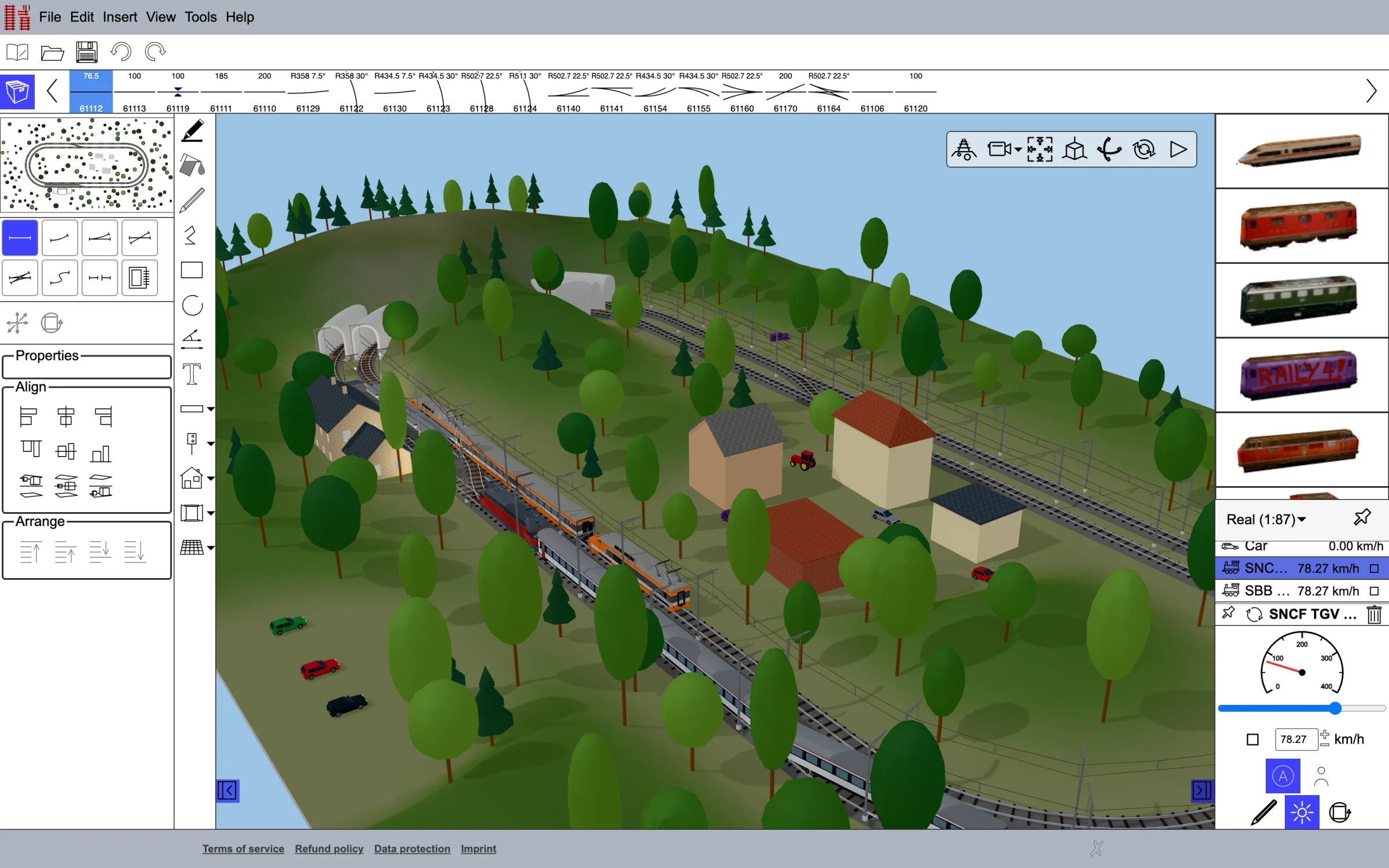
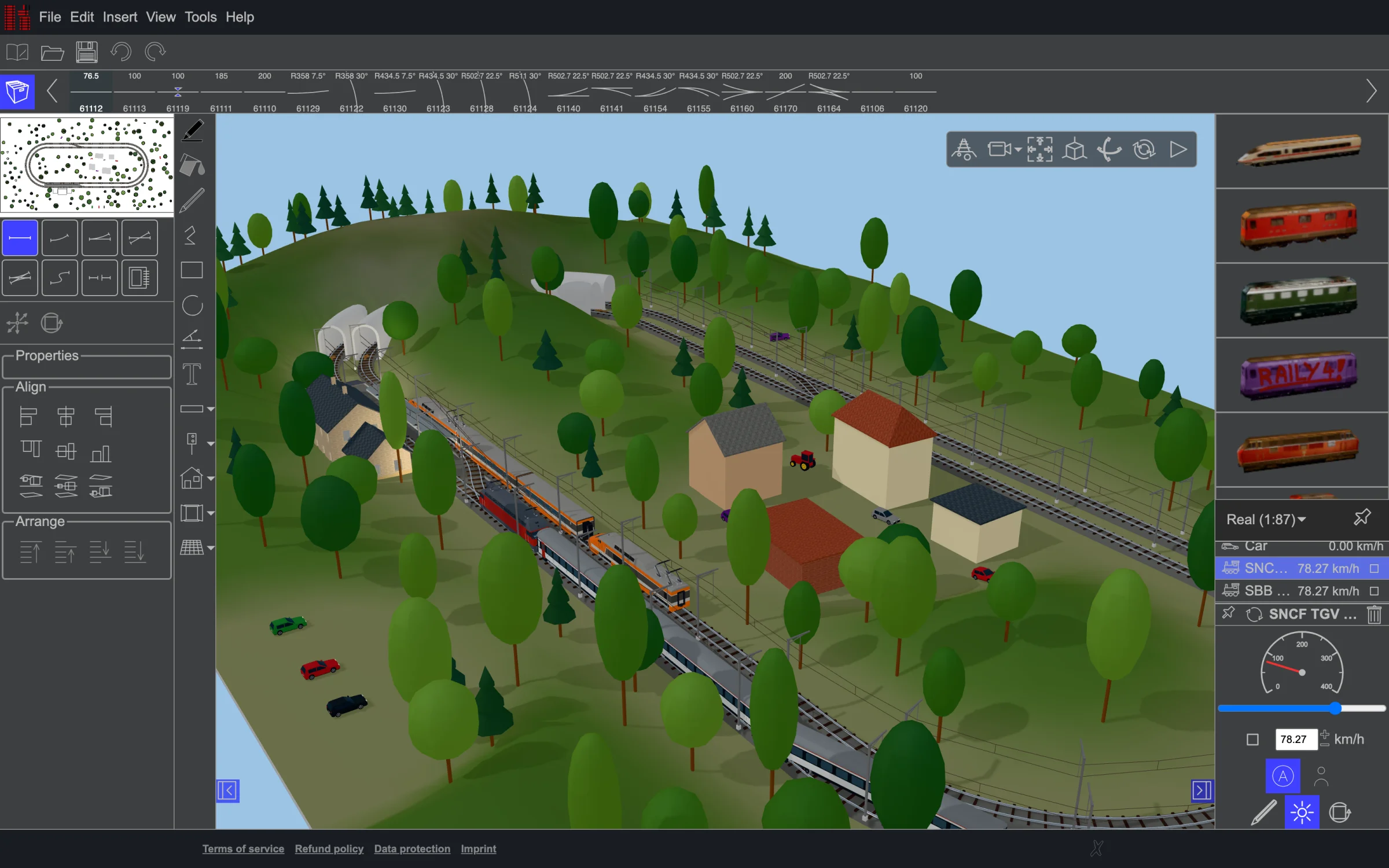
What Raily is for
- You have track and want to see what you can make of it. Pick your track system and get going; at the end, the inventory tells you what you are still missing.
- You have an idea and want to know whether it works. Trying variants costs nothing, and what does not fit shows at once.
- You have no room for a real layout. So build it on screen instead — with terrain, light, time of day and trains doing their rounds.
Raily knows the geometry of 181 track systems from 79 manufacturers, so track that cannot physically join will not join on screen either. What you plan is what you can build. The module list shows whether yours is among them.
The first time you start it, a tutorial walks you through the first steps, and the manual takes you in seven stages from the first rail to a finished layout.
From the first rail to the finished layout
Track that fits
- Draw in 2D, check in 3D: the same layout, either view, at any time
- Flex track by length, radius or angle, or shaped by hand as a Bézier curve
- Lay whole runs from the keyboard, each piece shown as a preview first
- Snapping to free track ends, the grid and guidelines
Heights and structures
- Ramps spread the heights, embankments build the sub-structure beneath
- Helixes built from a curve you select
- Tunnels that cut themselves out of the terrain
- Viaducts on piers or masonry arches, through curves and up grades
Landscape and light
- Terrain sculpted with brushes or taken from heightmaps
- Buildings with windows and doors, trees, lamps, poles, roads and water
- Your own 3D models from STL, OBJ, 3MF or glTF
- Date, time and place set the sun and the sky
Running trains
- Compose trains and put them on the track
- Signals, barriers, blocks and speed limits that the trains obey
- Walk through the layout on foot, or fly over it with a camera or a drone
From the screen to the baseboard
- An inventory: what the plan needs, what you have, what is missing, and what it costs
- Track labels turn the printout into building instructions
- Print to scale across as many sheets as it takes
- Lay a floor plan or a sketch underneath as a template
Sharing and safety
- Export to SVG, DXF and HPGL, and in 3D to STL, 3MF and glTF
- With an account: plans on the server, a public gallery
- Open plans from Raily 1 to 4, and export back to the Raily 4 format
- Automatic background backups
Two ways to run it
In the browser
3 € / month
12 € / year
Nothing to install, on any machine you sit down at. Plans are kept on our server (100 MB with a subscription). Cancel whenever you like.
Installed on your computer
36 € once
Windows, macOS or Linux. No account, no cloud, no internet needed. Your plans stay on your own disk, with no size limit.
Prices include tax and are billed in your own currency. 14 days to change your mind, on every purchase. Full pricing.
Layouts built in Raily
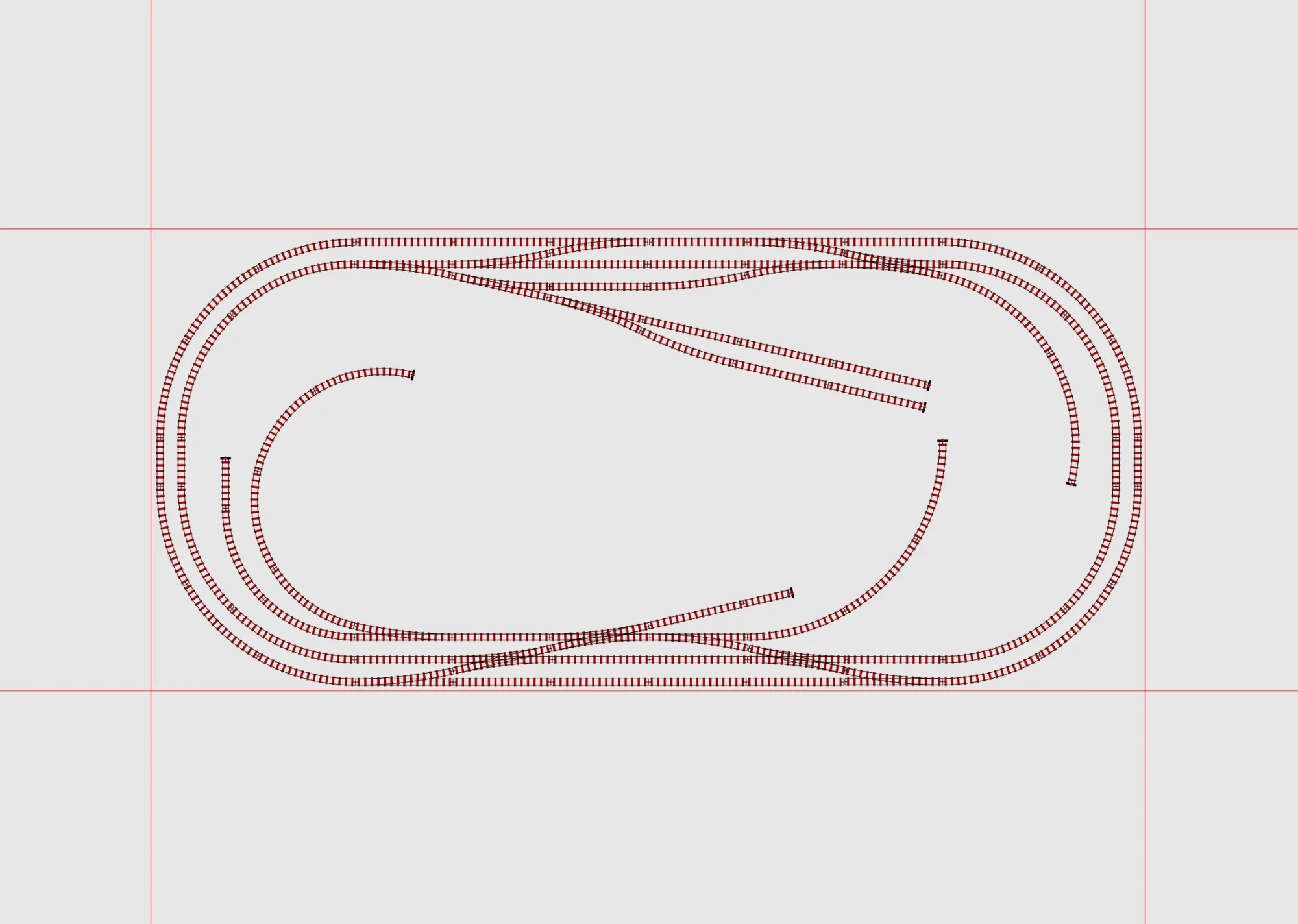
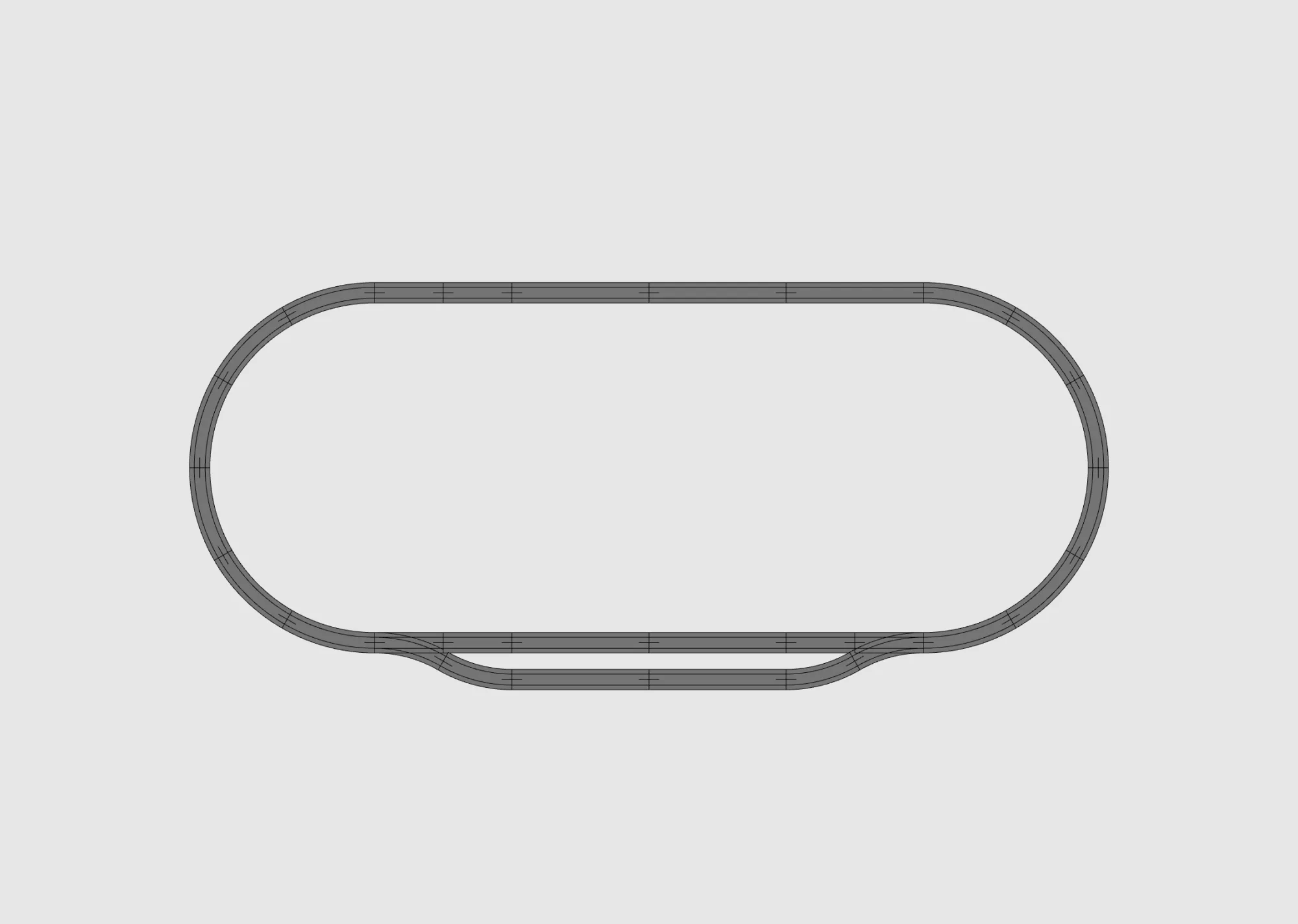
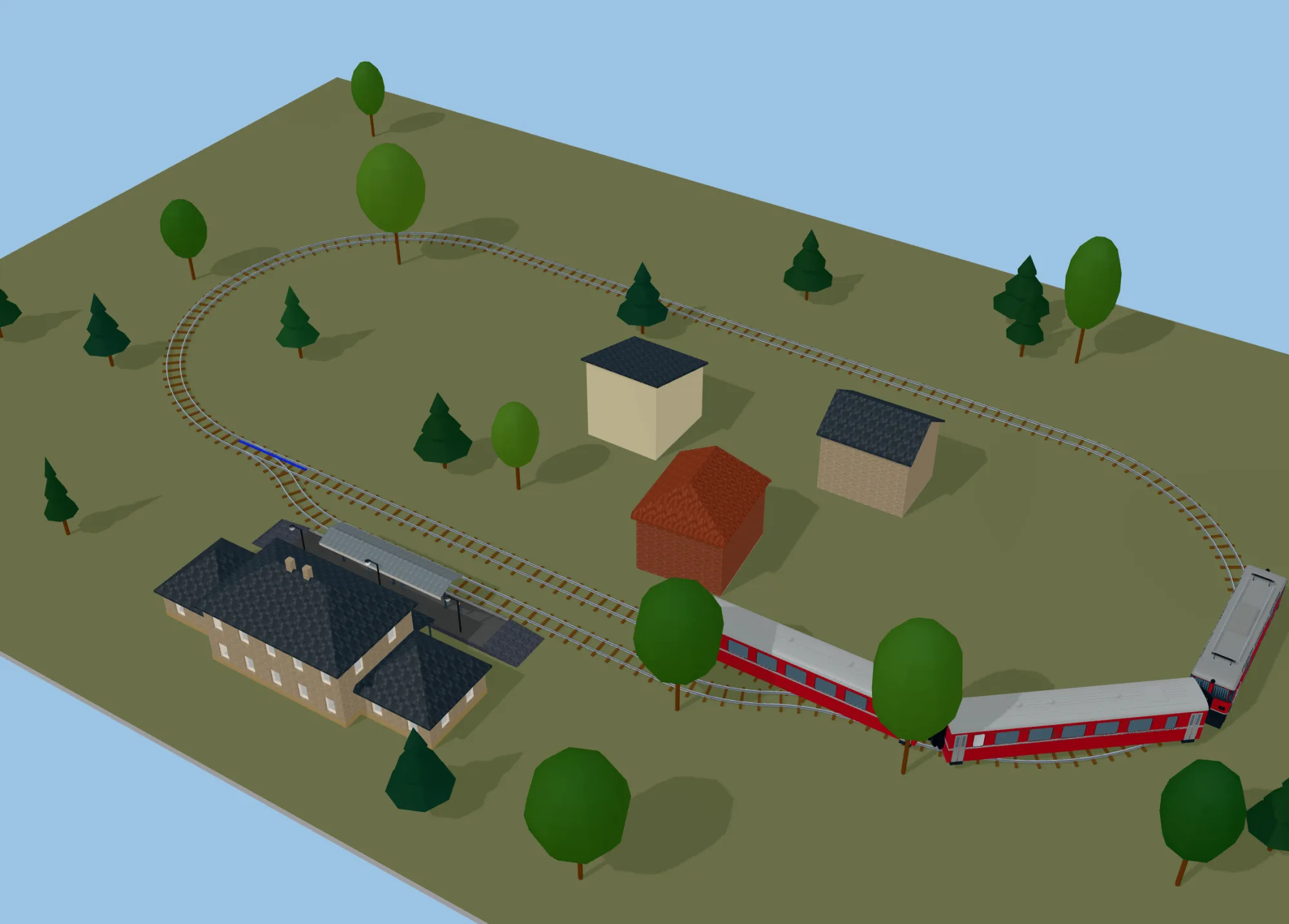
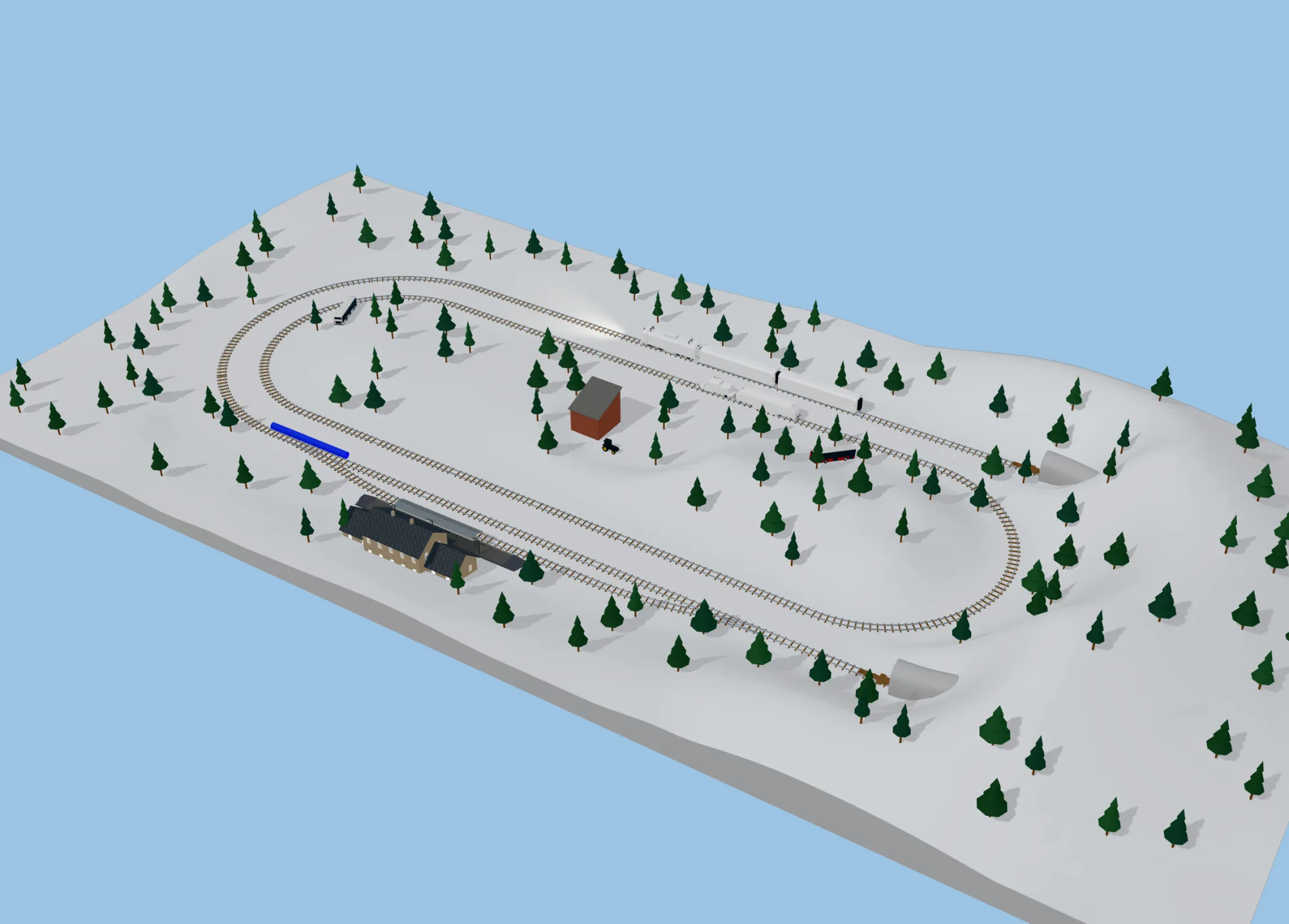
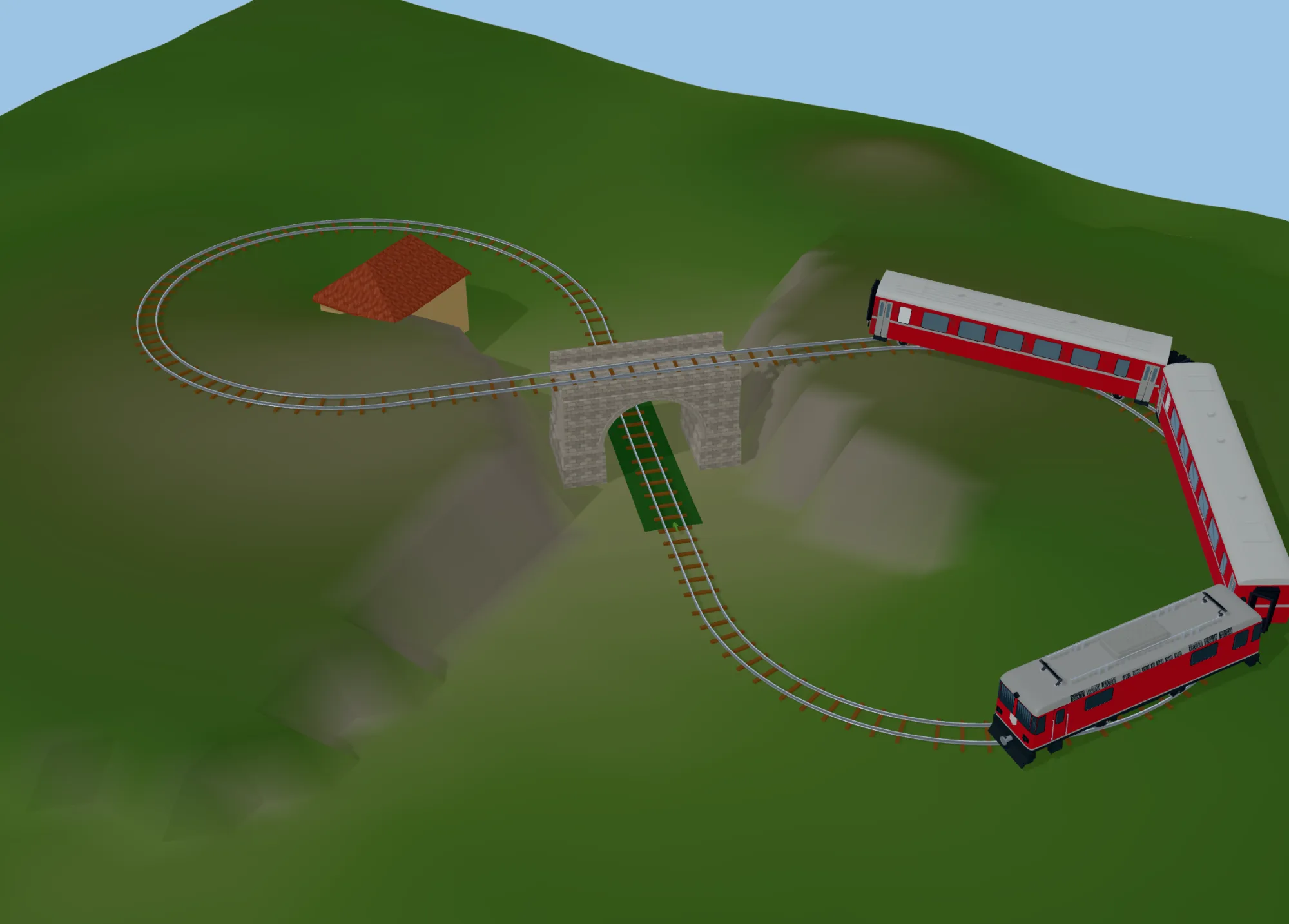
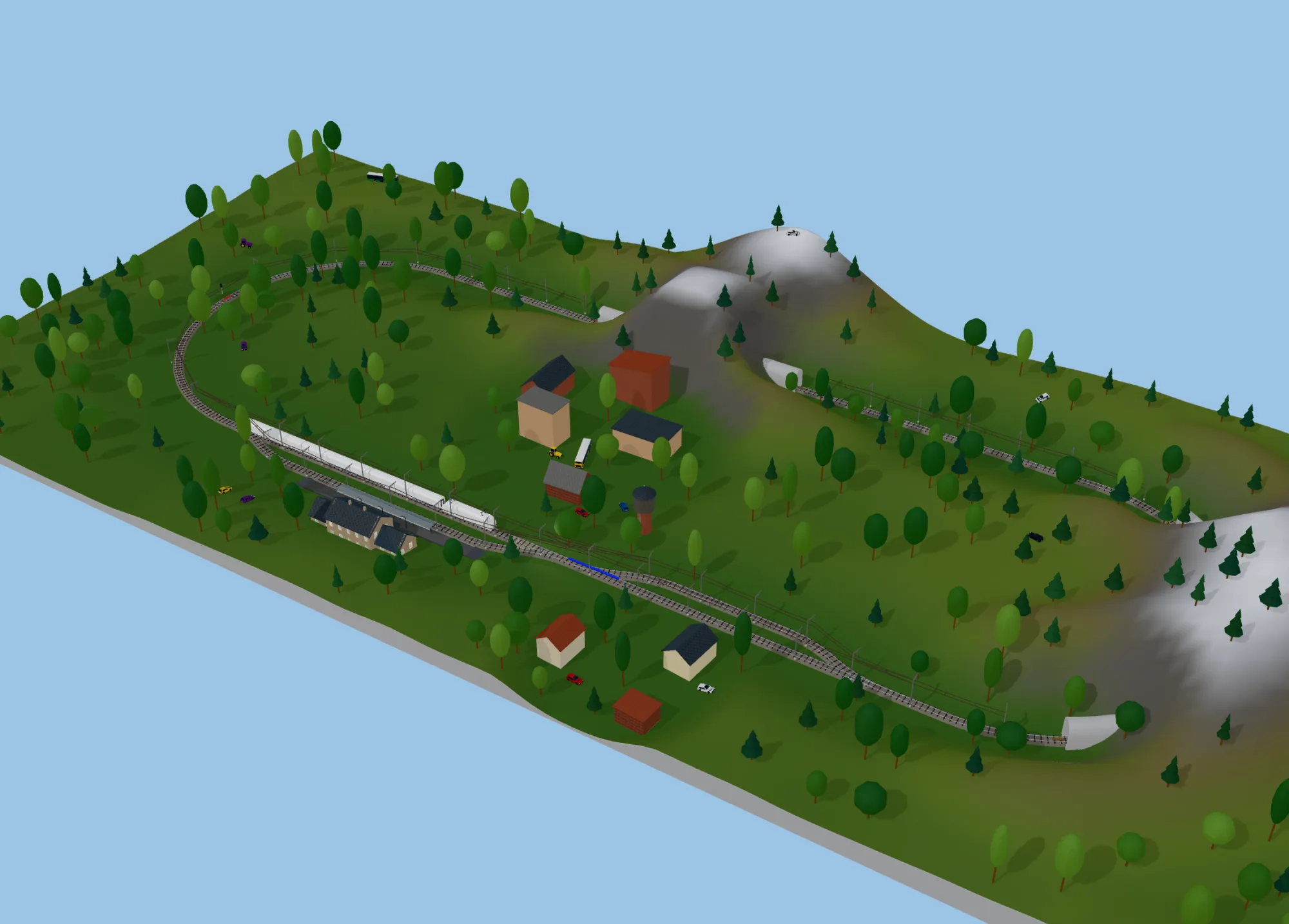
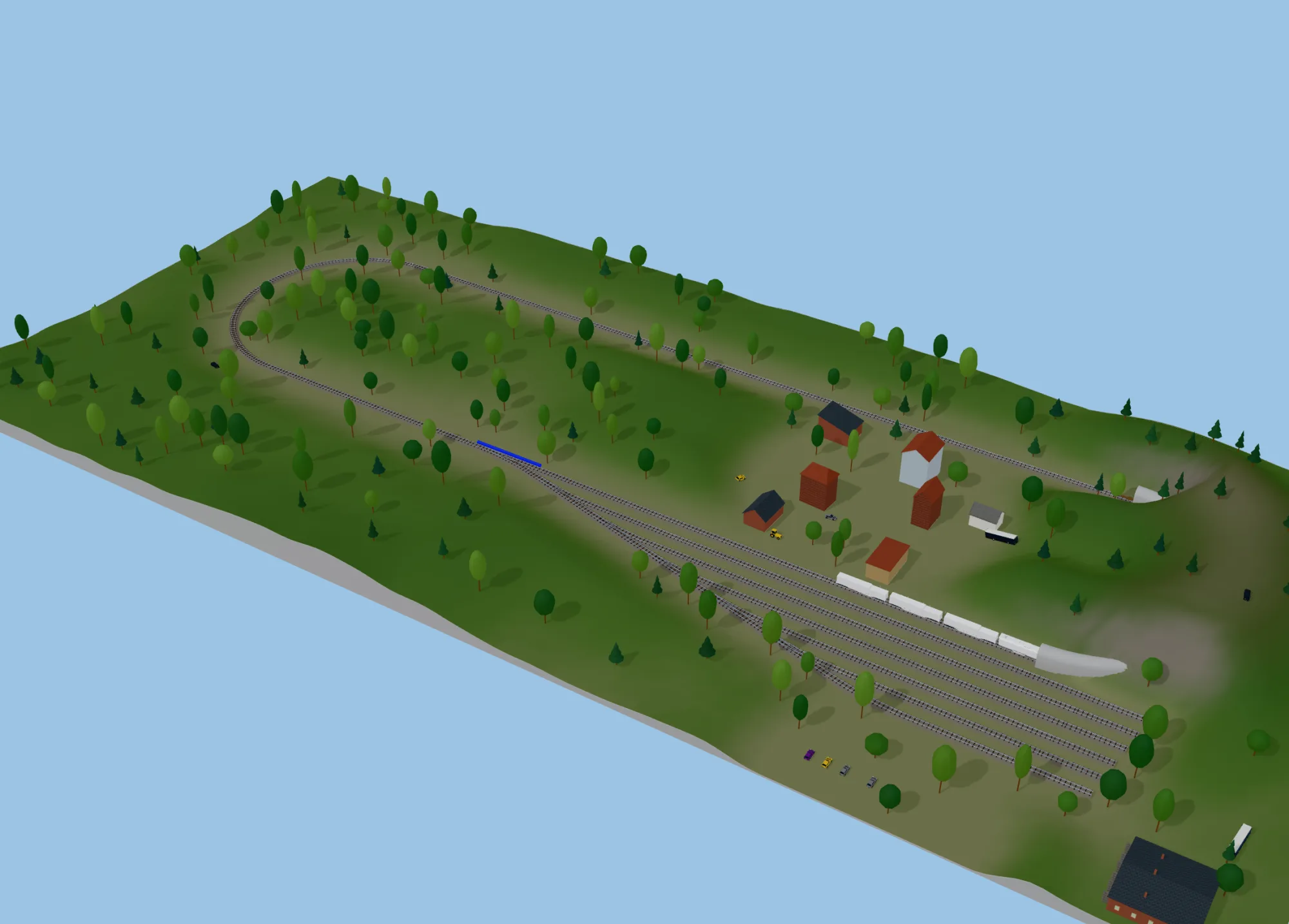
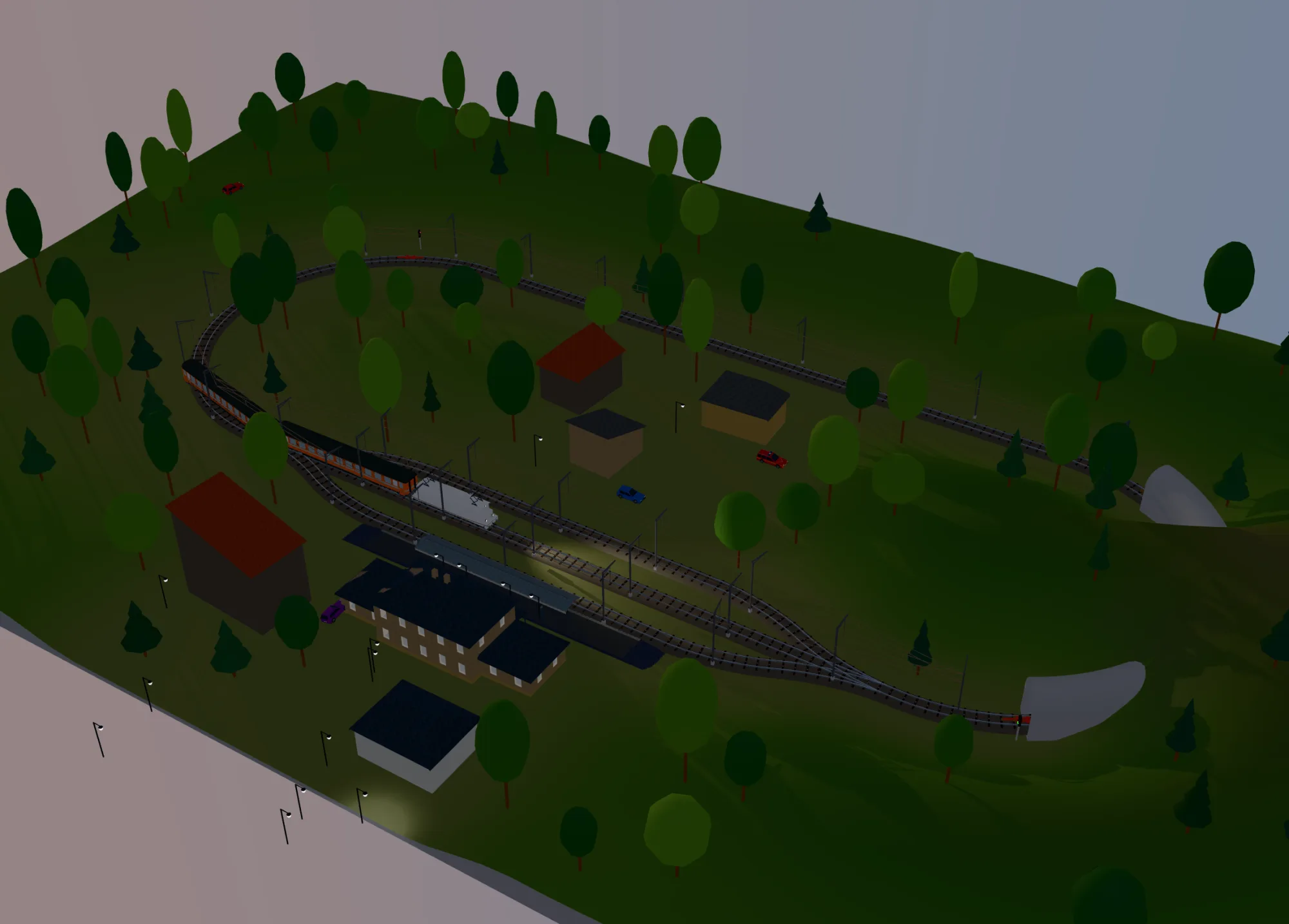
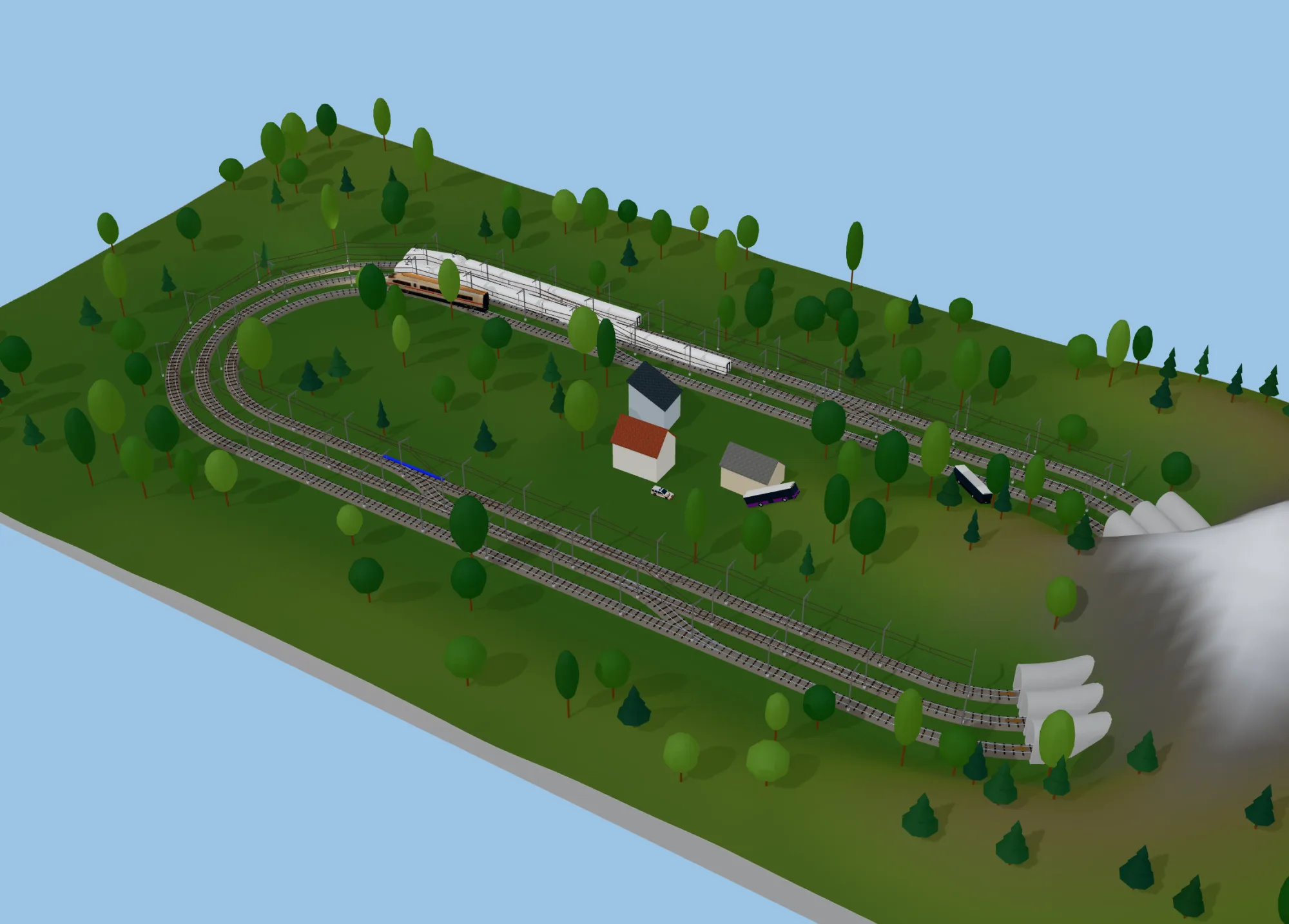
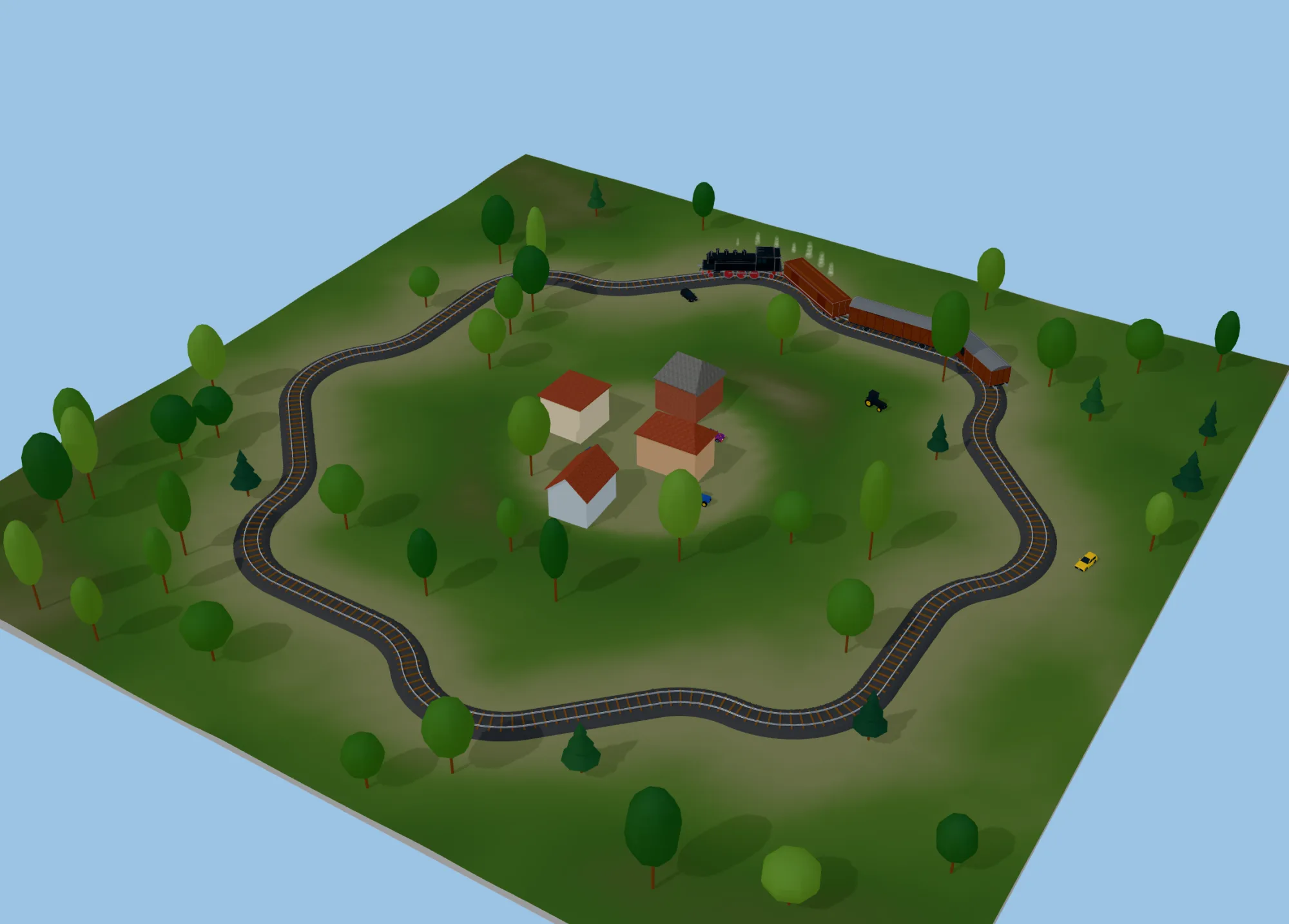
Example plans like these come with the program, under File > Example Plans — open one and take it apart to see how it is put together.
New in 5
Raily 4 was a desktop program that drew plans. Raily 5 runs anywhere, including in a browser, and the 3D view is no longer a preview but somewhere you work.
- A dark and a light theme, and a layout that works with a pen or a finger on a tablet.
- Trackball navigation in 3D; two-finger drag on a touch screen.
- Double-click a rail to select everything connected to it; shift-click to select everything between two points, and shift-click again for the other way round.
- Terrain sculpting, mesh editing and heightmap import.
- Raily closes a gap between two rails for you, with flex track or with your system's own pieces — here is how.
Working with Raily 4? Your plans open in Raily 5.